👶 3–5 yrsA4
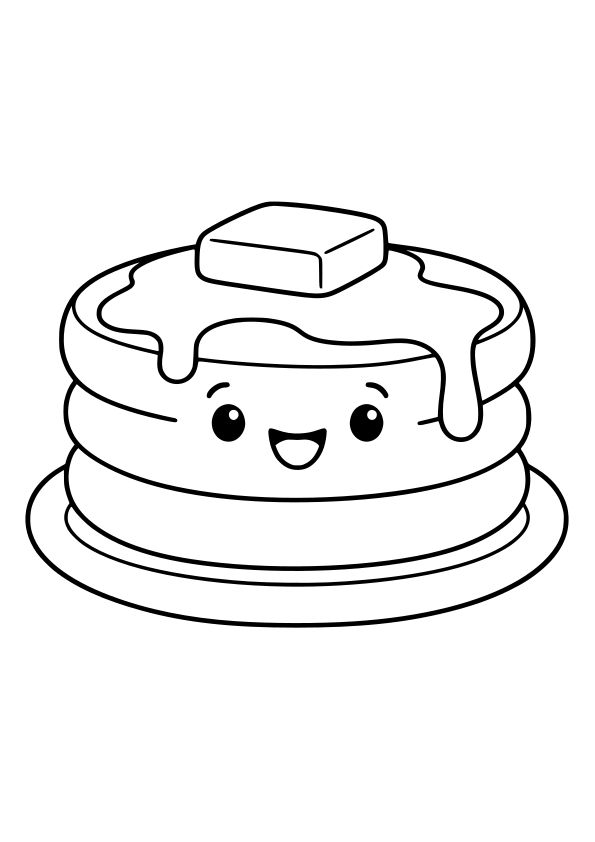
Page 2: drawings 25–40 of 40. 40 free printable food coloring pages for kids ages 3–5 and 6–12. Print on A4 paper or color online.
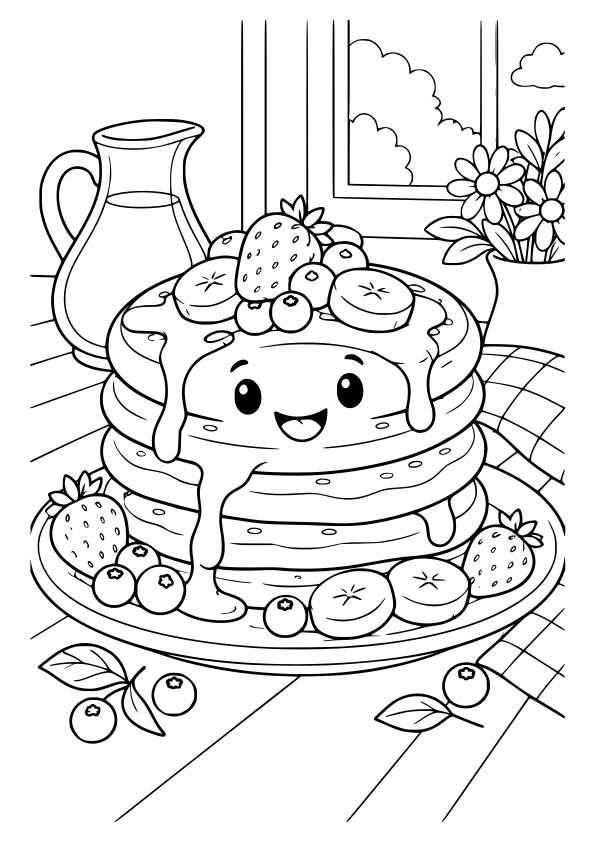
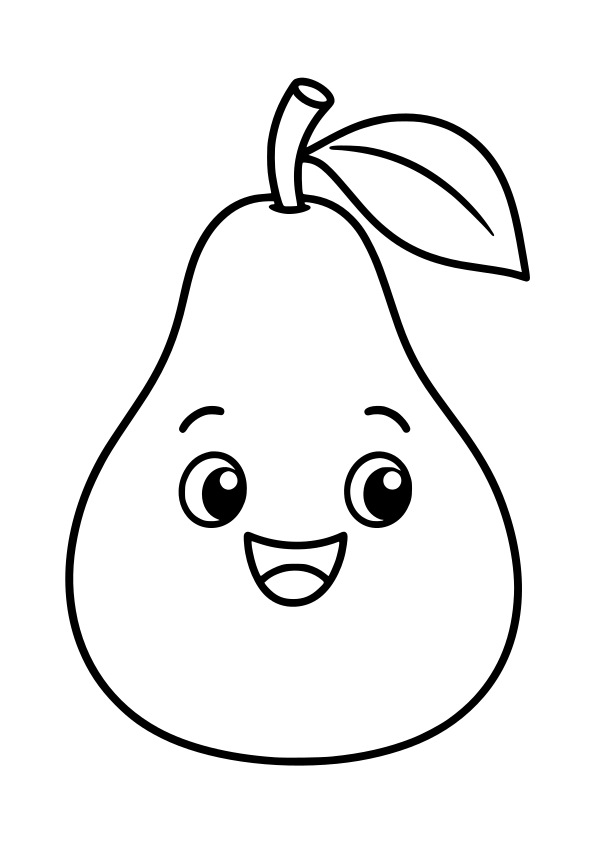
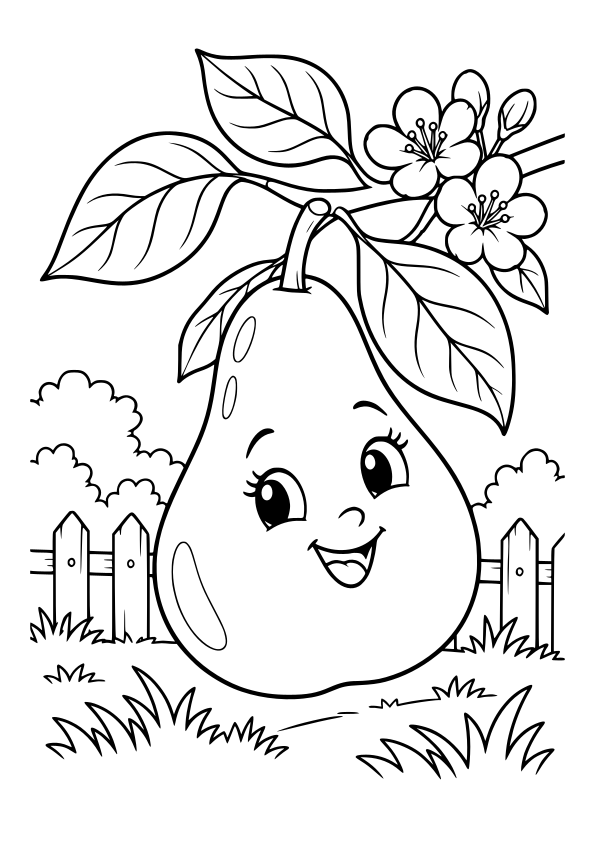
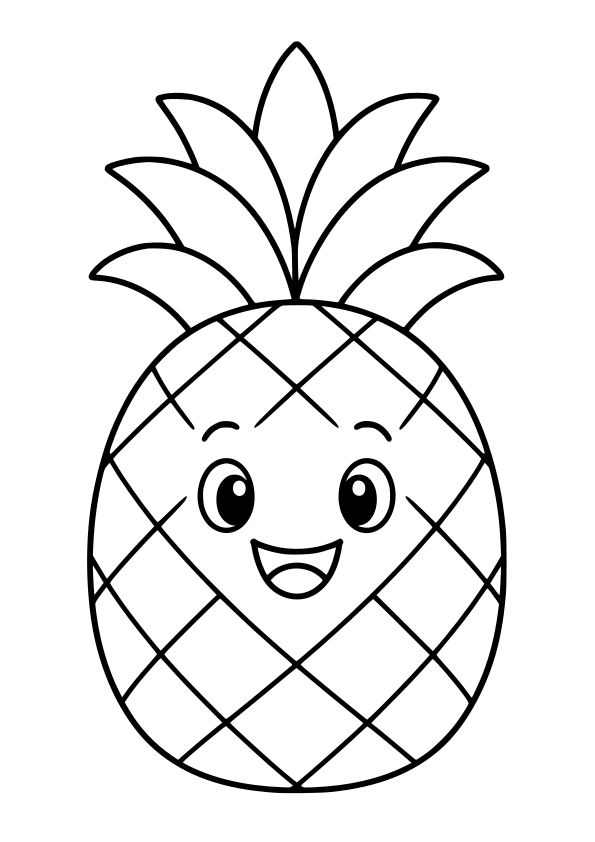
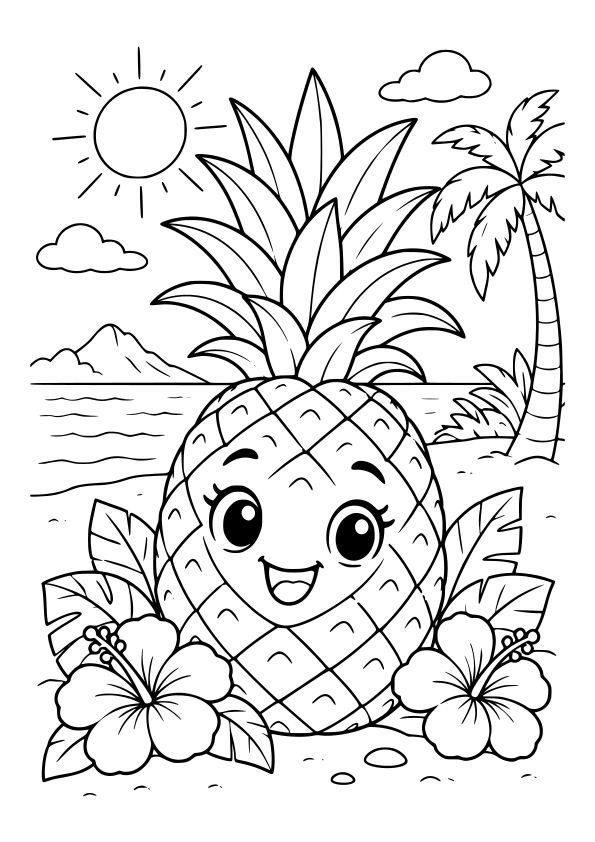
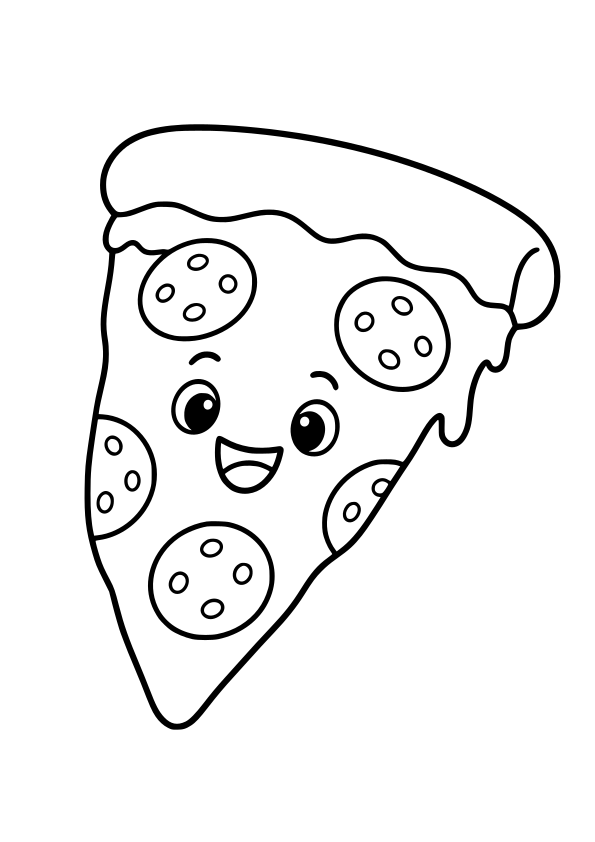
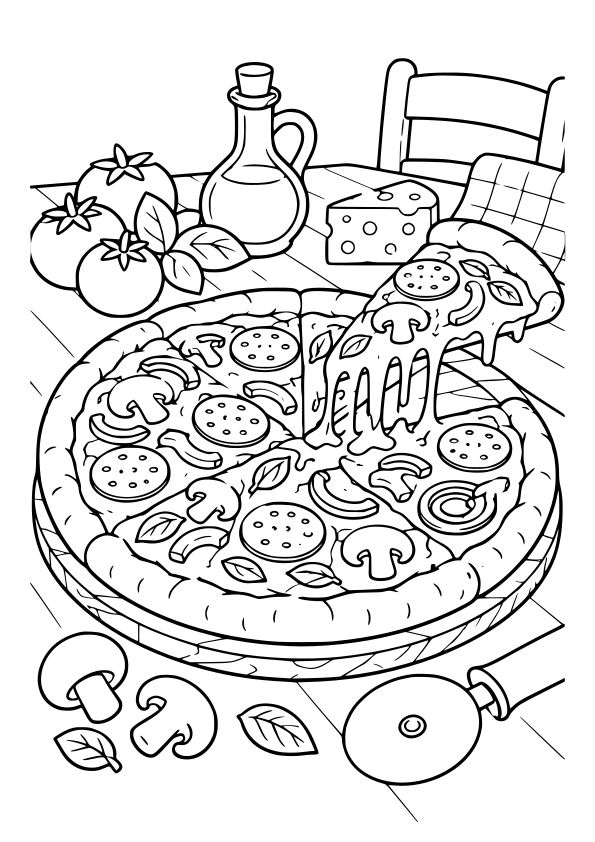
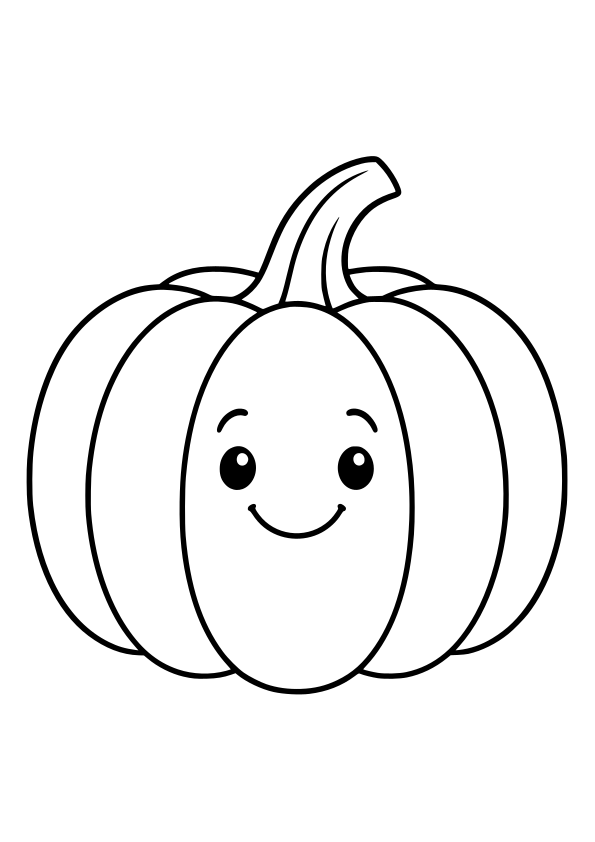
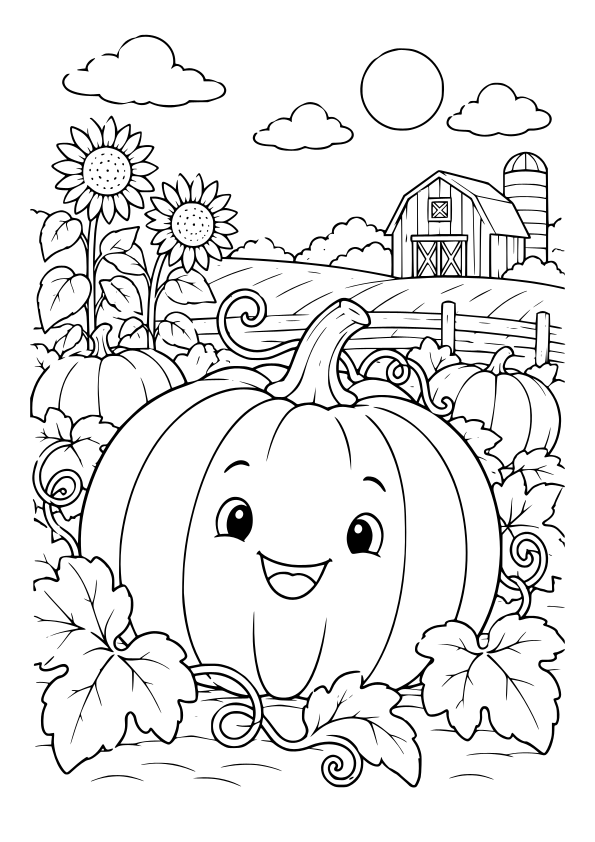
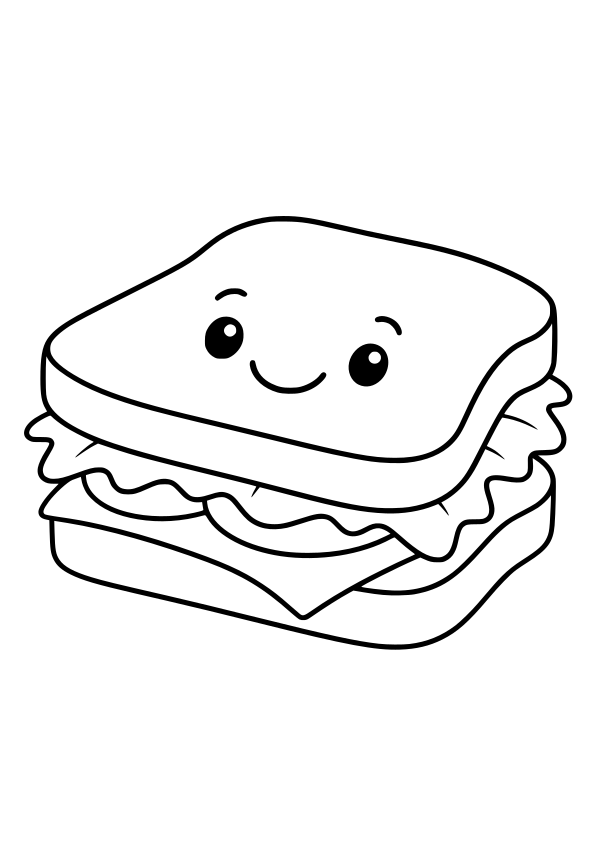
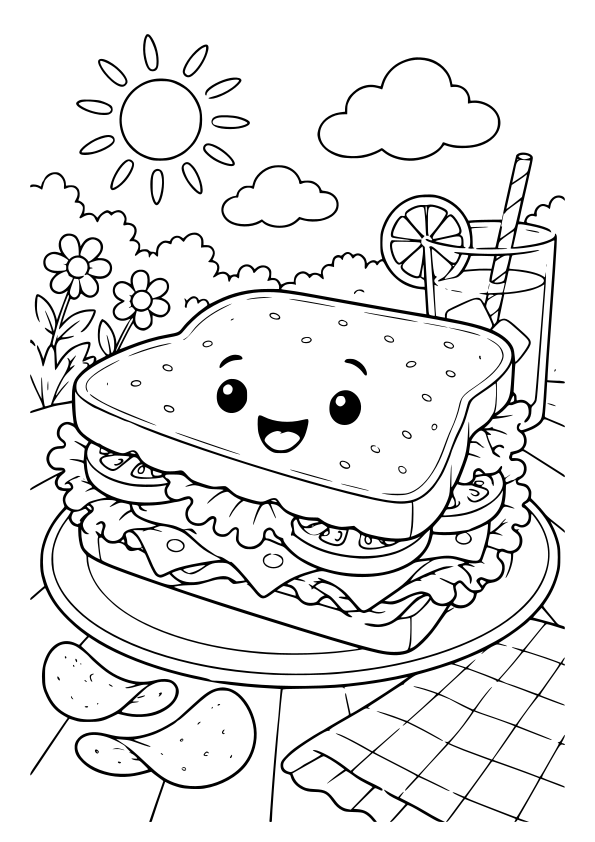
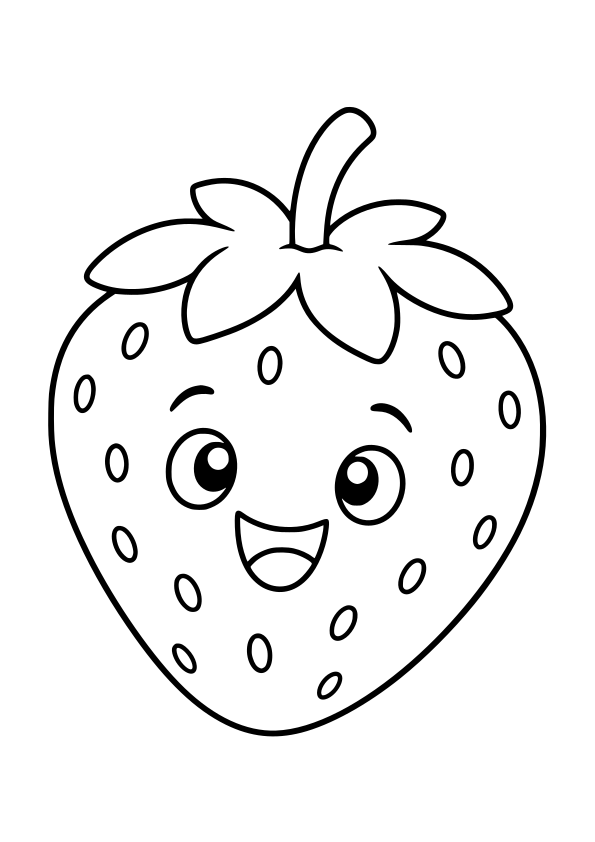
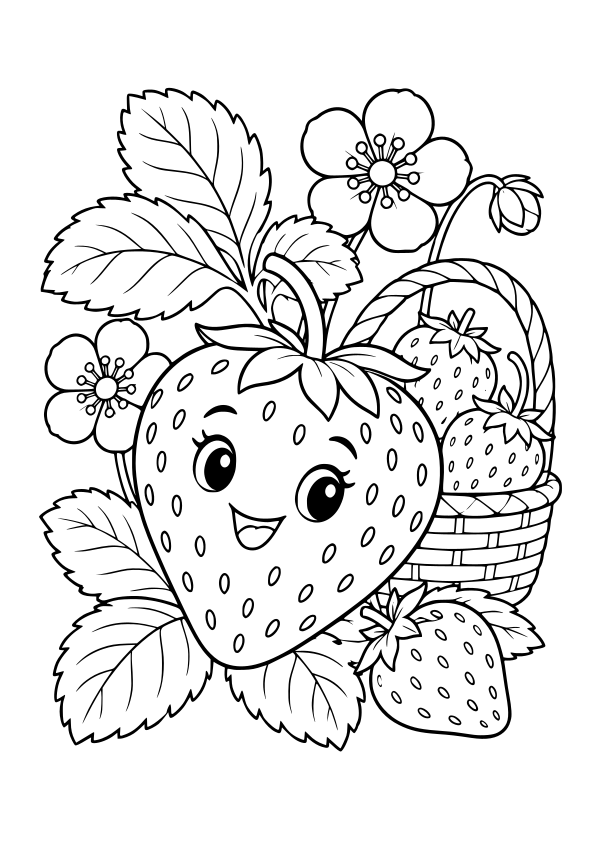
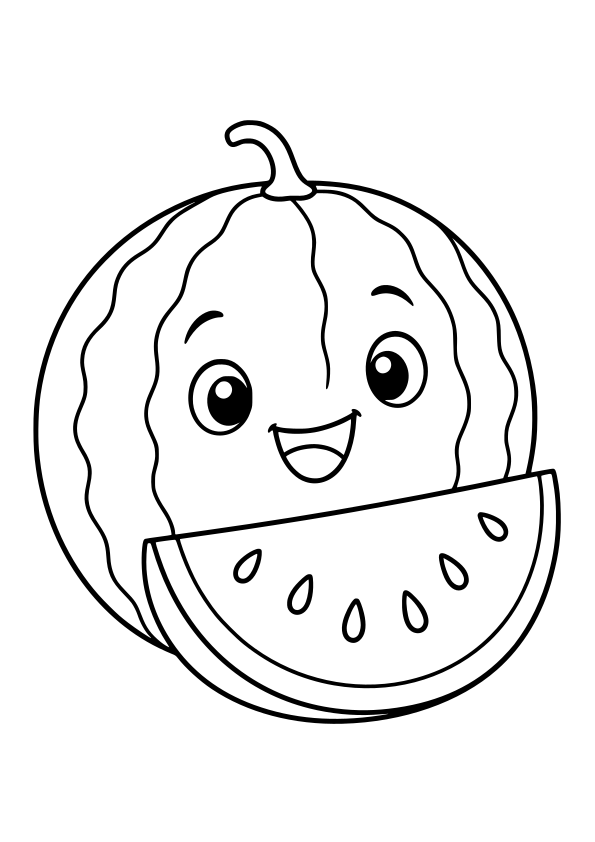
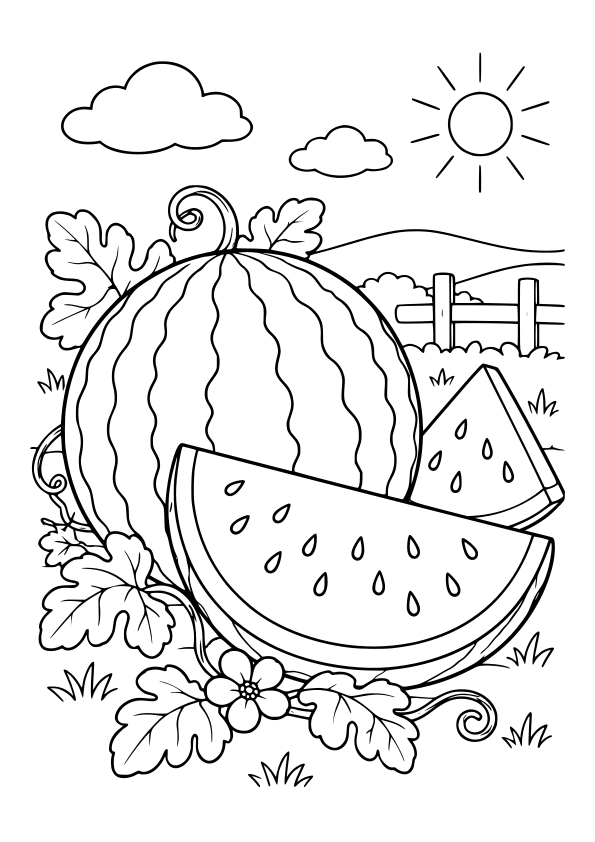
Find fruit, vegetables, ice cream, pizza and baked treats to color. Pick an apple, a carrot or a cupcake and create a colorful menu of your own.
An idea to try: Use colors you recognize from food or invent new flavors. Add a plate or write a menu beside the drawing.
Easy drawings are labeled ages 3–5 and detailed drawings ages 6–12. The ages are a guide: choose based on the child’s interests and how much they want to color.
Yes, all coloring pages are free to print on A4 paper and color online. You do not need an account to get started.
Open a drawing and choose Print A4. Select A4 paper and portrait orientation in the print dialog. Check the preview and turn off browser headers and footers before printing.
Choose Color Online on the drawing’s page. Use the paint bucket or brush in the studio, then choose Save My Artwork to download the colored picture as a PNG.
Open a drawing and choose Print A4. If your browser’s print dialog offers Save as PDF, choose that option instead of a printer.